Go live
Until you go live, you work in development. Production API keys and live traffic open once your organization finishes the go-live checklist. Development keeps working in the meantime, so you can keep building while you sort out the paperwork.
Before you start
Anyone signed in can open the page, but the actions it links to (agreements and billing) live in the Dashboard, so they're usually done by an account owner.
Check where you stand
Open it from the last step of the setup panel on Home. The page shows a Go-live checklist with a badge, Not live yet or Ready to go live. Each row shows whether it's met, with a short explanation.
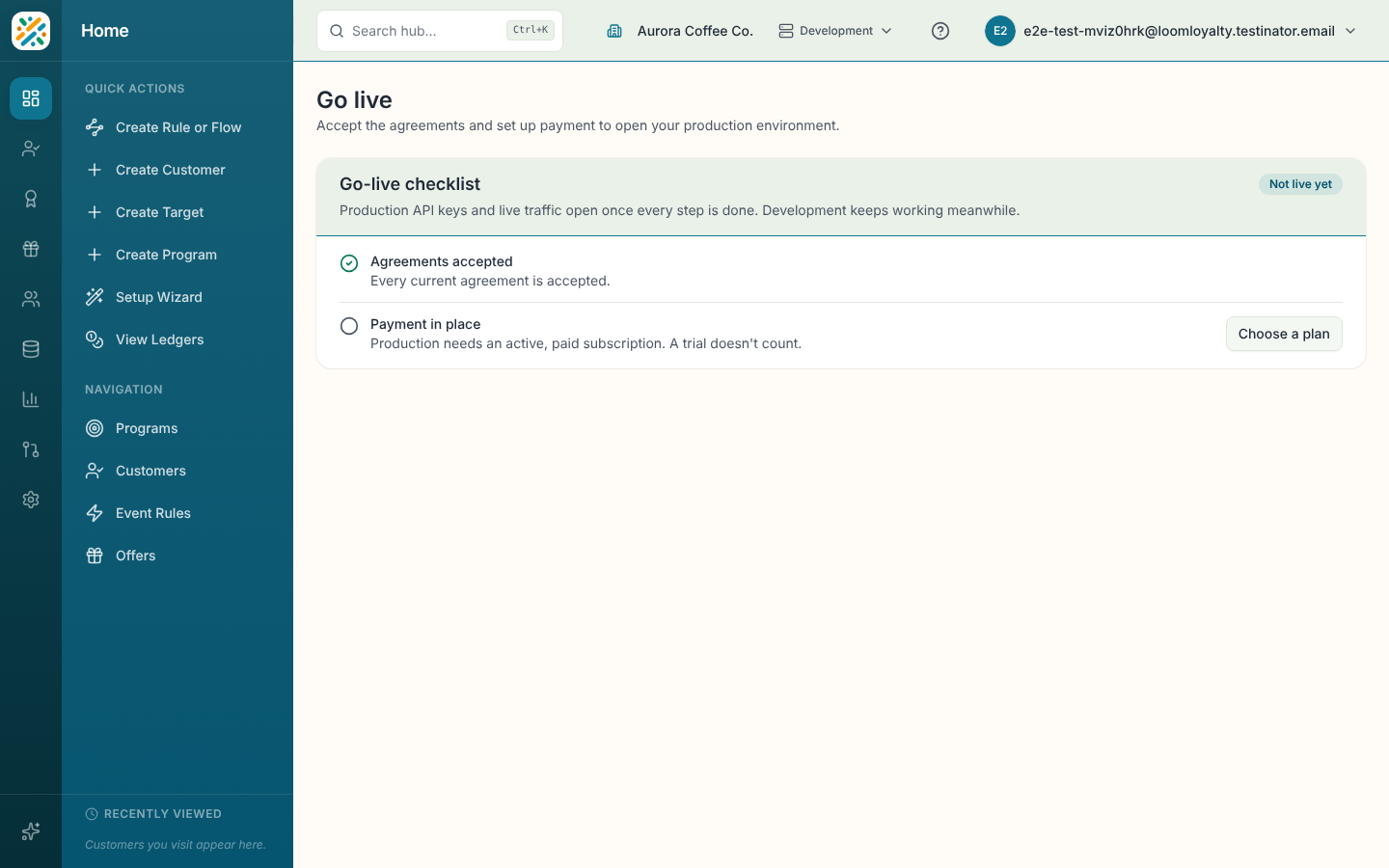
There are two rows:
| Row | Done when | If it isn't |
|---|---|---|
| Agreements accepted | Every current agreement is accepted. | Select Review agreements. It opens your organization page in the Dashboard. |
| Payment in place | You have an active, paid subscription. A trial doesn't count. | Select Choose a plan to open Dashboard billing. On plans sold by quote you'll see Contact sales instead. |
Some plans don't need a card on file. In that case the row says so and is already met.
When every row is met, the badge changes to Ready to go live and the page says your organization can use its production environment.
If the page won't load
You'll see "We couldn't check whether you're ready for production" with a retry button. Retry in a moment.