Changes
Some things you build need a second pair of eyes before they take effect in an environment. The Changes section holds the two pages behind that: Workflows, where you define who approves, and Approval Queue, where requests wait for a decision.
Before you start
Anyone signed in can open Workflows. Approval Queue needs the workflow-request write permission, and only people with it see the Approve and Reject actions.
Define a workflow
Open Changes then Workflows to manage environment enablement approval workflows.
- Select Create Workflow.
- Enter a Name. The Code fills in from it, and you can edit it.
- Add a Description if you want.
- Under Approval Steps, add each step in order with a step name and type: User Approval, Group Approval, Automatic or Conditional.
- Use the active switch to decide whether the workflow handles new requests. Only active workflows process new enablement requests.
- Select Create Workflow.
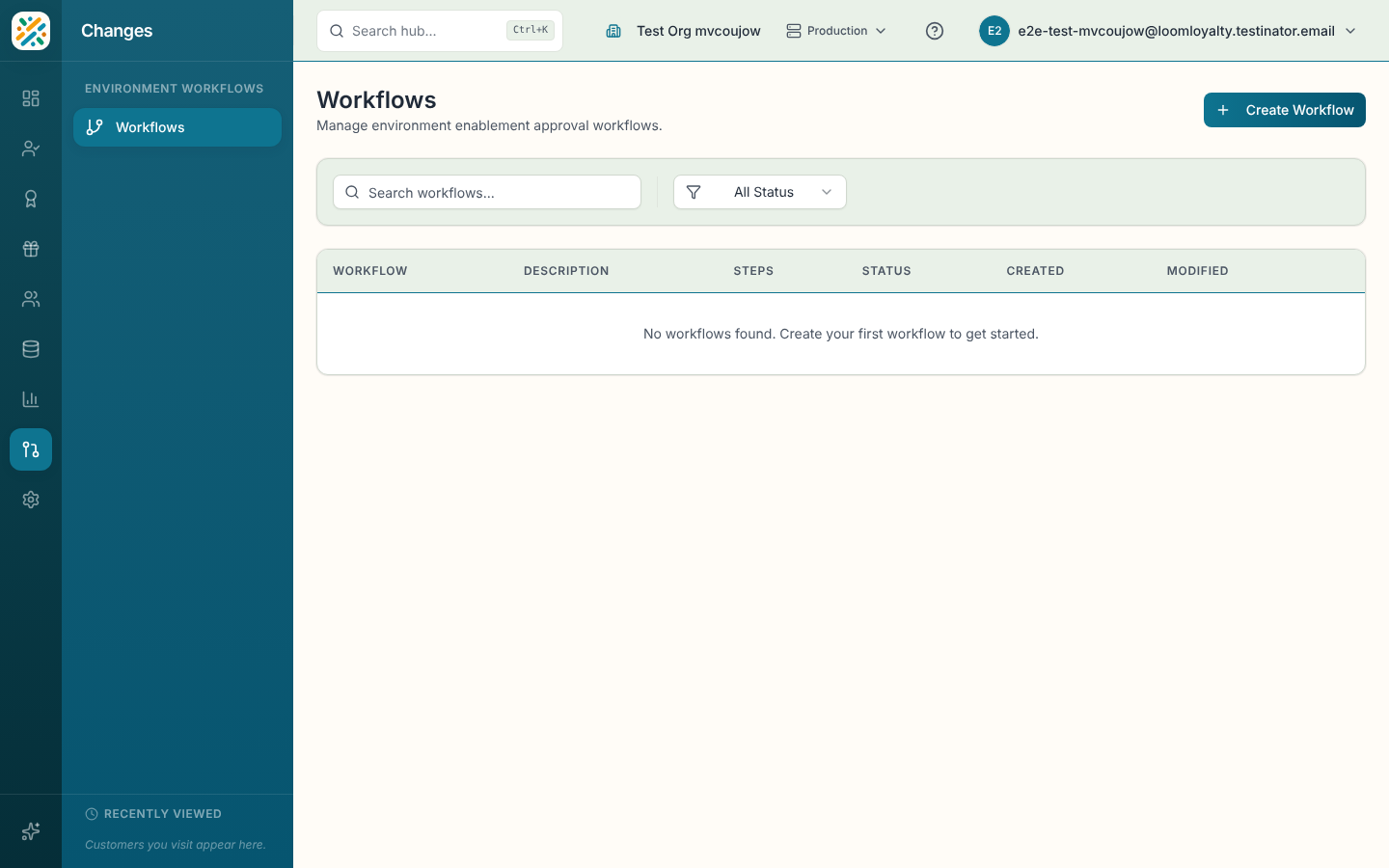
The table lists each workflow with its description, step count and status. Search by name or code, or filter by Active or Inactive. Row actions are View details, Edit and Delete. Deleting is permanent and may affect pending approval requests, so check the queue first.
Process requests
Open Approval Queue to review and process environment enablement requests. Each row shows the entity, workflow, status, when it was requested and when it was resolved. Filter by status: Pending, In Progress, Approved, Rejected or Cancelled.
- Select a request to see its details.
- Select Approve to enable the entity in the target environment, and confirm.
- Or select Reject, type a reason of at least 5 characters, and confirm. The reason is saved with the request.
Requests that are already resolved can't be actioned again.