Performance
Performance is the overview of how the program is doing. It answers the everyday questions: how many customers do we have, how much currency have we handed out and taken back, and where do customers sit across statuses, tiers and programs. Everything on the page follows the date range you pick at the top.
Before you start
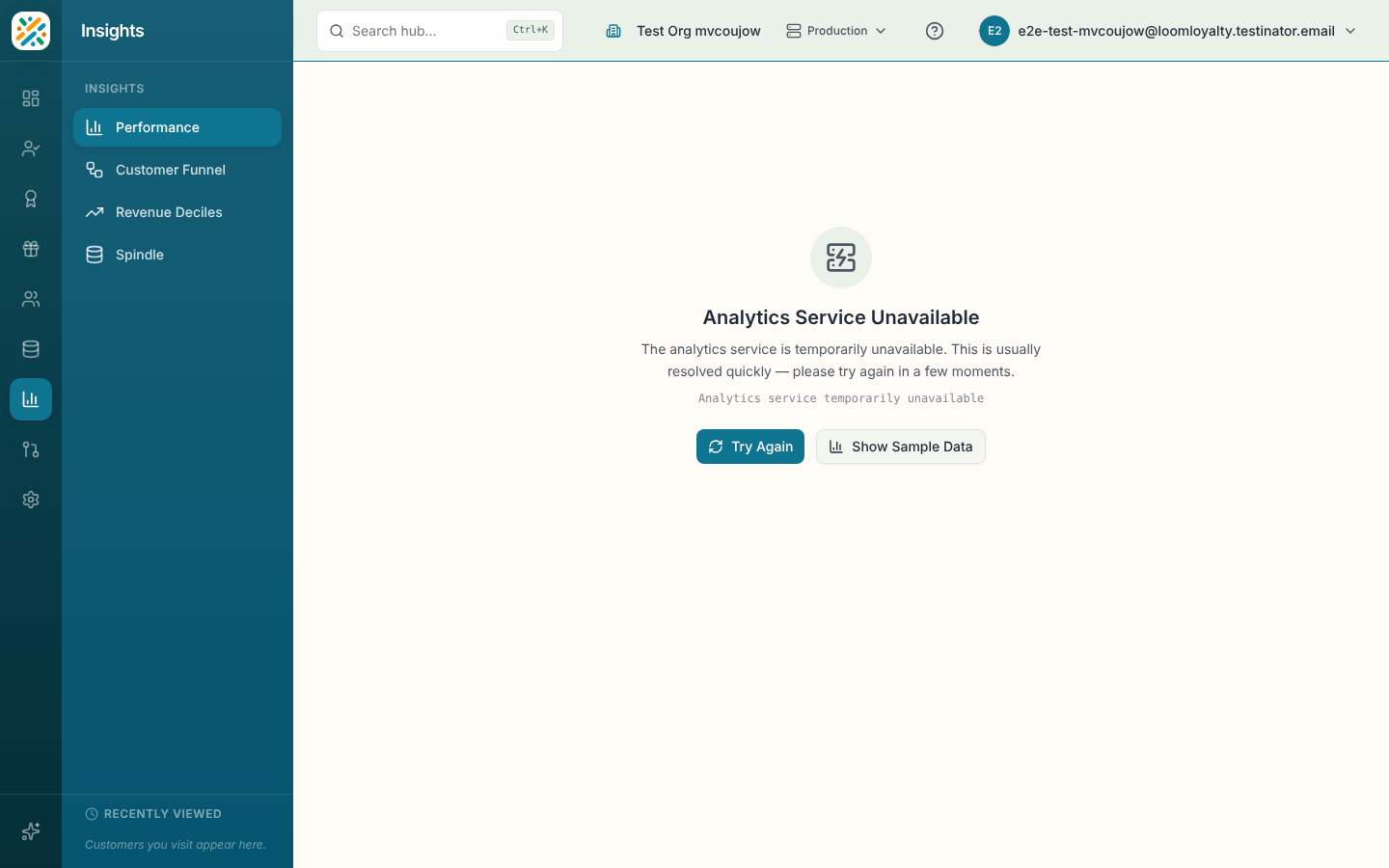
Analytics is part of paid plans. On a plan without it, the page says Analytics Unavailable and offers View billing and Show Sample Data. Sample data lets you see what the page looks like, and a banner tells you it isn't your numbers. If the analytics service can't be reached you'll see Try Again as well.
Set the controls
Four controls sit in the page header, and they apply to every chart below.
- Date range: Last 7 days, Last 30 days (the default), Last 90 days, Last 12 months or This quarter, or pick your own dates.
- Granularity: Hour, Day, Week or Month. It sets how the trend charts group time.
- Currency: choose which currency the currency figures use. It only appears with real data, and defaults to your primary currency.
- Compare: draws the previous period of the same length behind the current one, so you can see whether this month beat last month.
Key metrics
Four cards sit at the top.
| Card | What it shows |
|---|---|
| Total Customers | The number of customers, with how many of them are active underneath. |
| Currency Issued | The amount of the selected currency issued in the range. |
| Currency Redeemed | The amount of the selected currency redeemed in the range. |
| Coupons Issued | The number of coupons issued in the range. |
Large numbers are shortened, so 12,400 appears as 12.4K.
Charts
Currency Trend plots three lines over time: Issued, Redeemed and Net (issued minus redeemed, as the net change in the period). A rising Net line means customers are collecting faster than they're spending.
Customers by Status shows the share of customers in each status, such as active or inactive, as a distribution.
Tier Distribution shows how many customers sit in each tier, with the percentage of the total.
Program Enrollment ranks programs by total enrollments, with the number of active enrollments under each name.
Each chart has an export button that downloads its data as a CSV, and an Explore link that opens the same data in Spindle with the range already applied. In the distribution and ranking charts you can also select a segment or bar to drill into a single status, tier or program.
Premium insights
Below the charts, a Premium Insights section shows three more views. Without the premium add-on it shows a locked card with an upgrade action.
- Top Offers: the ten most used offers, with the total discount value for each.
- Event Volume: how many events came in over time, grouped by your granularity.
- Recent Activity: a feed with Time, Event, Entity, Status and Description columns, 20 rows to a page. Export it to CSV from the card.