Features
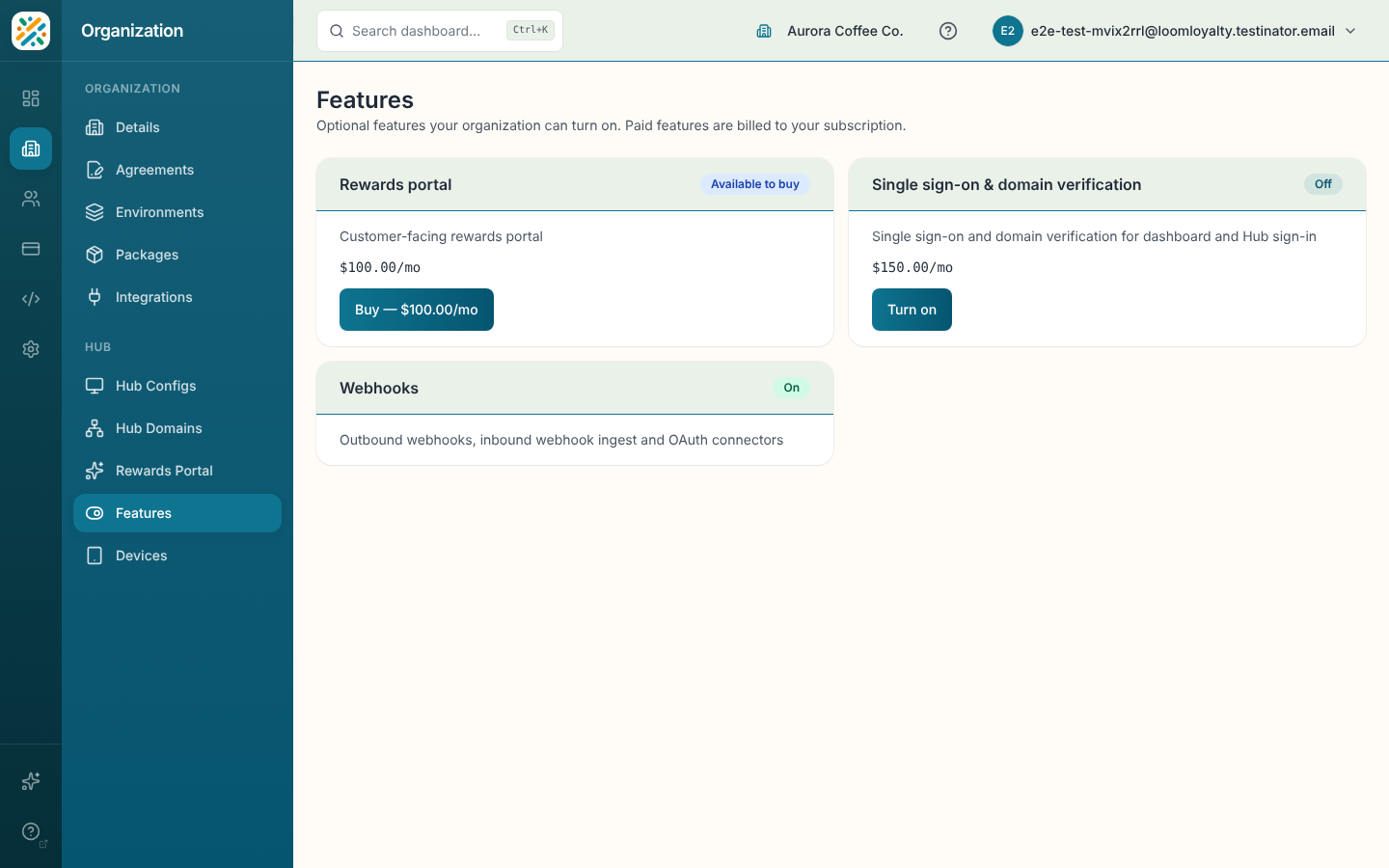
Features is where you control the optional parts of Weave: add-ons such as the Rewards Portal, Webhooks, and single sign-on with domain verification. Each one gets a card showing its status and what you can do with it. Paid features show their price, and what you buy is billed to your subscription.
Before you start
You need features:opt-ins:read to see the page. Changing anything takes the opt-in write permission as well. If you only have read access, the page says "You can view these features. Ask an organization admin to turn them on or off." and the buttons don't appear.
What a card can say
| Status | Meaning | What you can do |
|---|---|---|
| On | The feature is active. | Turn off |
| Off | Your plan includes it, but it's switched off. | Turn on (no charge) |
| Available to buy | It's a paid add-on you don't have yet. | Buy with the price on the button |
| Awaiting payment | You started checkout but payment isn't confirmed. | Resume payment or Cancel request |
| Ending | You turned off a paid feature and it's running out its billing period. | Keep feature |
| Lapsed | A paid add-on that stopped, for example after a failed payment. | Renew |
| Not available | Your plan can't have this feature. | Upgrade plan on some cards, which opens Billing |
Buy a paid add-on
- Find the card and click Buy (the button includes the price).
- Finish checkout.
- When you come back, the card says "Confirming your payment" for a moment. Activation can take about a minute. If it hasn't flipped to On, refresh the page.
If you back out of checkout, the card stays on Awaiting payment with a note that checkout was cancelled. Use Resume payment to try again, or Cancel request to drop it.
Turn a feature on when your plan includes it
Some plans include an add-on at no extra cost, but you still have to switch it on. Click Turn on on its card. Single sign-on, for example, shows up this way on plans that include it.
Turn a paid feature off
- Click Turn off on the card.
- Confirm with Turn off at period end. Your subscription to the feature is cancelled, but it stays on until the end of the period you've paid for. The card shows the date.
Changed your mind before then? Click Keep feature on the Ending card.