Audit Log
The audit log is the record of account activity: sign-ins, API key changes, edits to your configuration and so on. Open it when you need to answer "who changed this?" or "did that request go through?"
Everyone who can open the Dashboard sees this item under People & Access.
Read the table
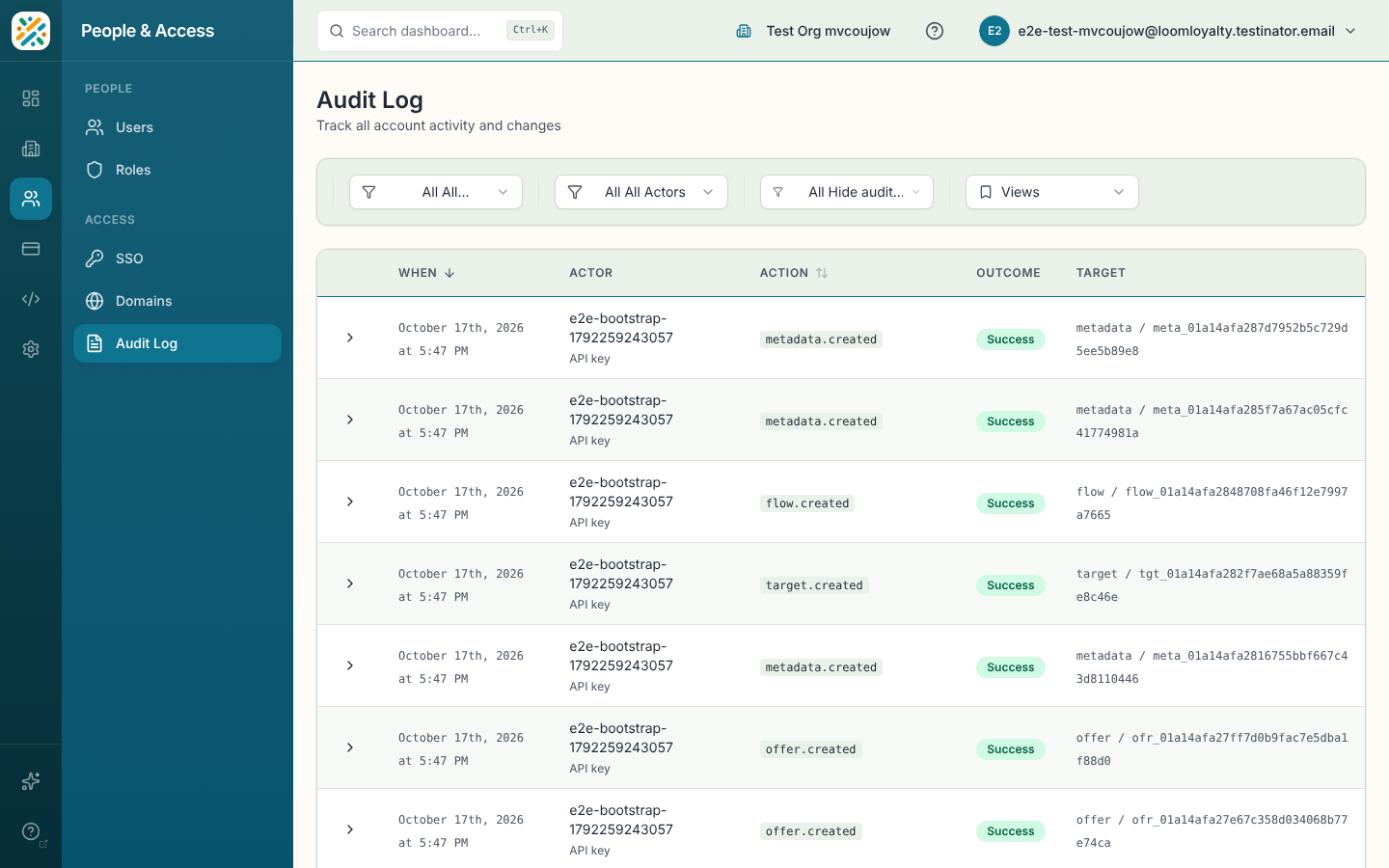
Newest events come first. Each row has:
- When
- Actor, who did it. Portal members show as "Portal member" and the platform itself as "Loom Loyalty platform". If a name wasn't recorded, you'll see "Name not recorded".
- Action, the thing that was done
- Outcome: Success, Failure or Denied
- Target, what it was done to, or "No target" when there isn't one
You can sort by When or Action.
Open an event
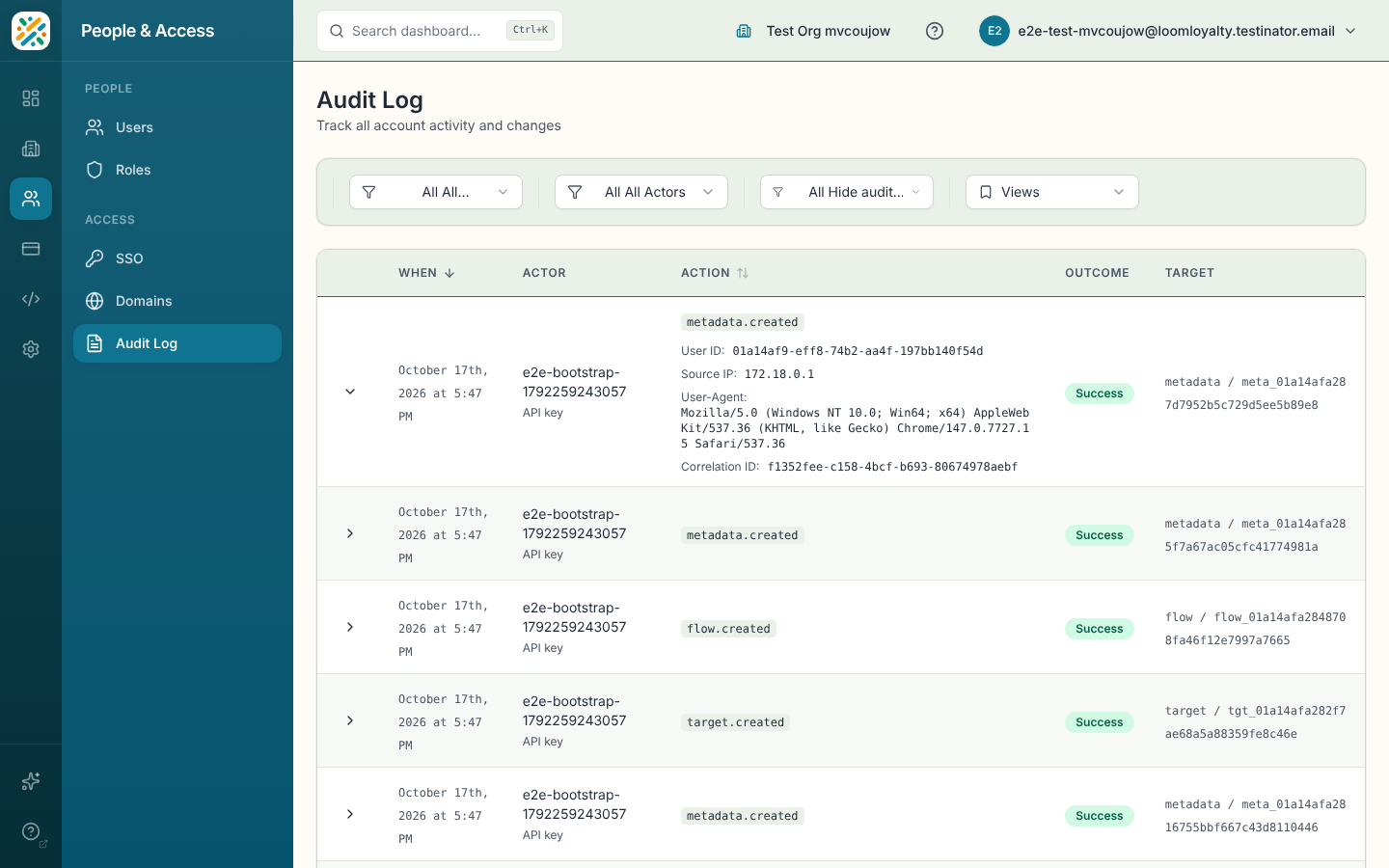
Click the arrow at the start of a row to expand it. You'll see more about the actor (user ID, customer ID or bot client, as applicable), the request (source IP, user agent and correlation ID) and the data the event carried. The correlation ID is useful when you're working with support on a specific request.
Filter events
- All Outcomes narrows to Success, Failure or Denied.
- All Actors narrows to Human, API key, AI assistant, Customer or System.
Reads of the audit log itself are hidden by default so they don't drown out real changes. Pick Show audit log views in the third filter to bring them back.
If nothing matches, the page says "No events match your filters. Try adjusting them." A brand new account shows "No audit events recorded yet."