Domains
Domain verification proves that your organization owns an email domain, such as brewhouse.example. Verified domains are what SSO and automatic user provisioning build on.
Before you start
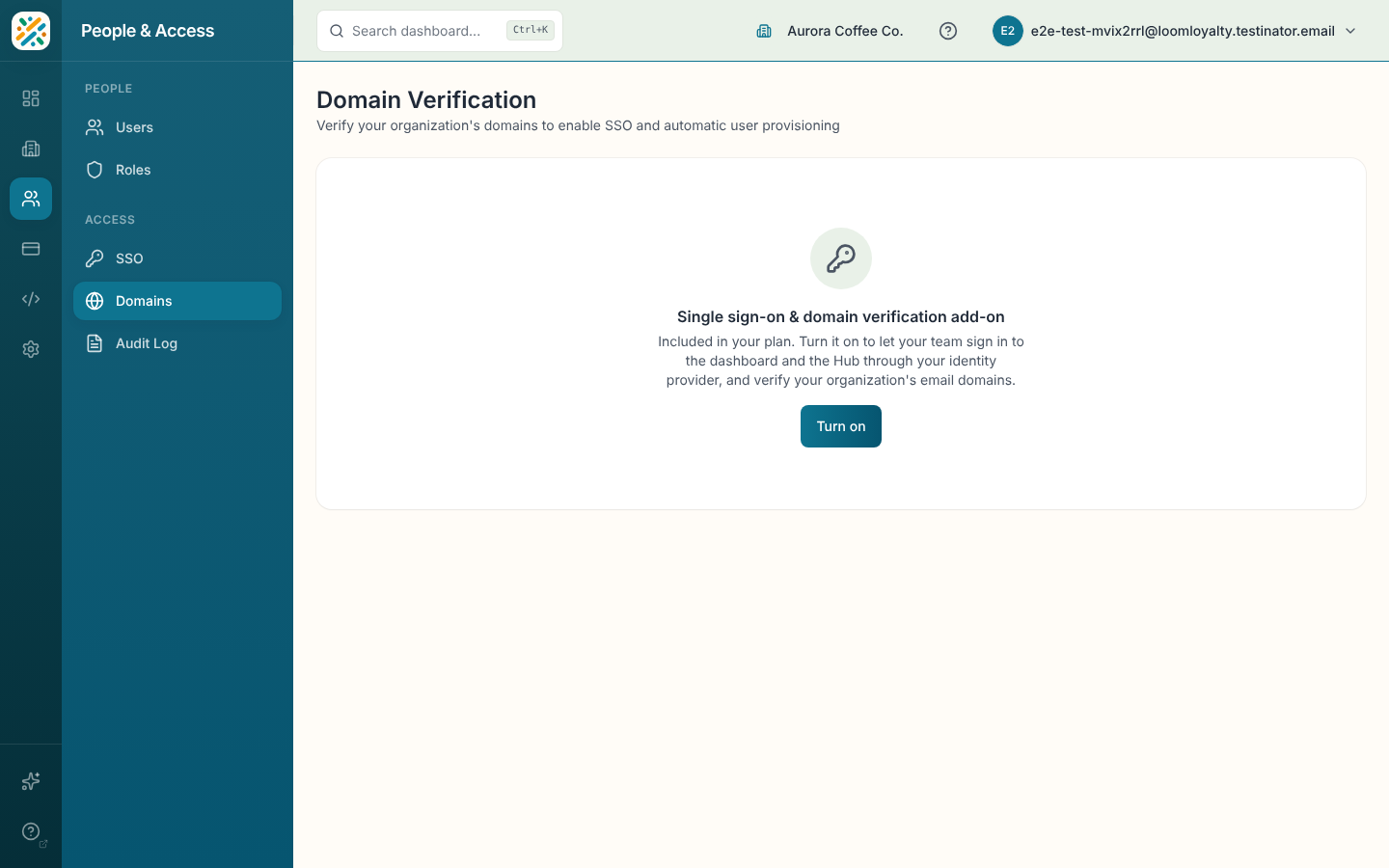
Like SSO, this page needs the Single sign-on & domain verification add-on. Without it you'll see the same add-on notice described in Single Sign-On, with the same options to turn it on, buy it or ask an admin.
You also need the widgets:domain-verification:manage permission. If you don't have it, the page says "You don't have permission to manage domain verification. Contact your organization administrator to request access."
Verify a domain
With the add-on on, the page loads the domain verification screen. Add your domain there and follow its instructions to prove ownership. You'll need access to the domain's DNS settings.
If the screen fails to load, you'll see "Unable to Load" and a Try again button. A "Finishing setup" message right after turning on the add-on means setup is still completing. Give it a minute, and contact your account team if it persists.