Roles
A role is a named bundle of permissions. Instead of granting access one permission at a time, you build a role such as "Store manager" and assign it to the people who need it. Roles can also be given to API keys.
Before you start
You need auth:roles:read to view roles. Creating, editing and deleting needs auth:roles:write. Without it you can look but the Create Role, Edit and Delete options are missing. If you lack even read access, the page says "You don't have permission to view roles."
Browse roles
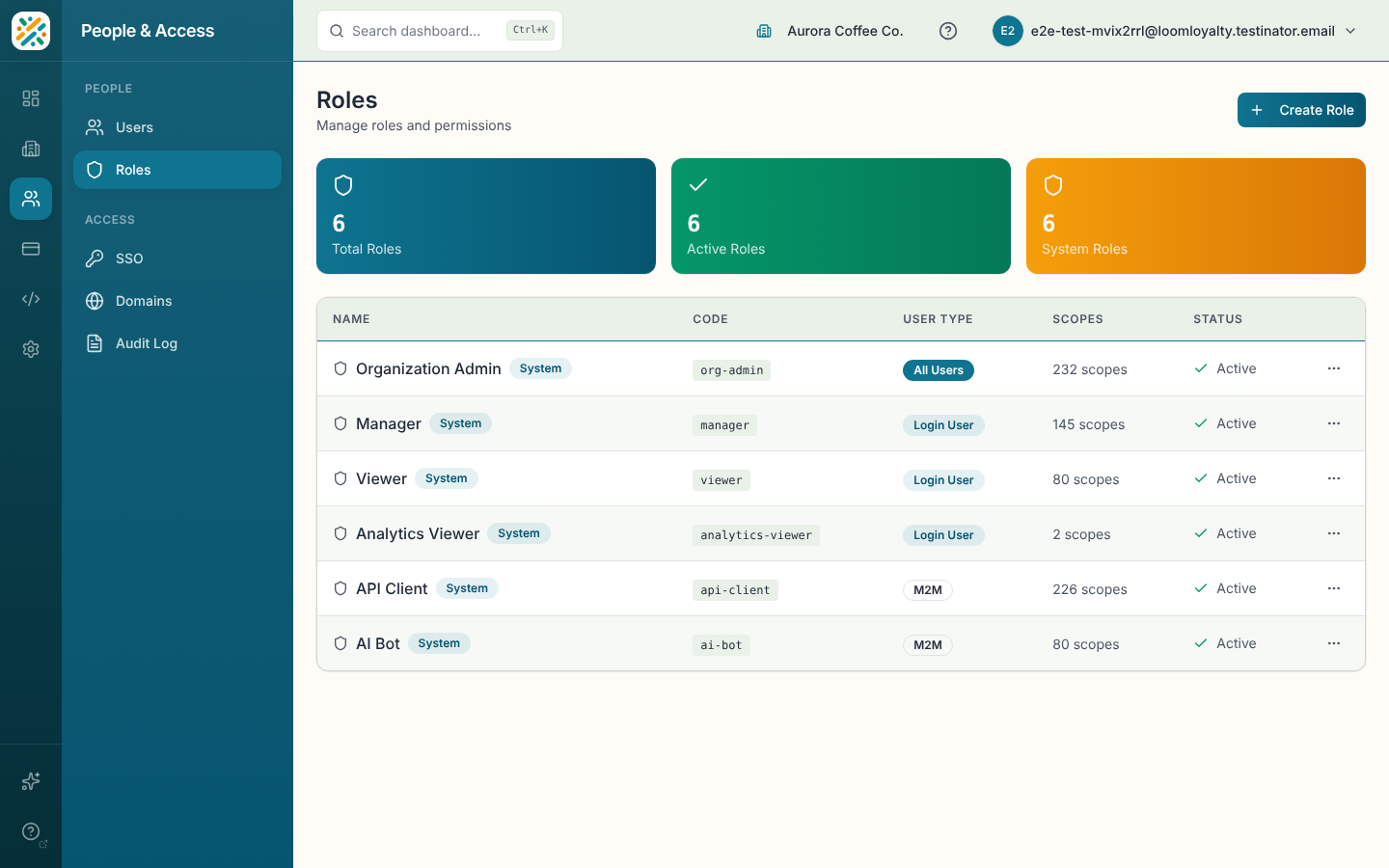
Three counters show Total Roles, Active Roles and System Roles. The table lists Name (system roles carry a System badge), Code, User Type, Scopes (how many permissions the role holds) and Status. Open a role with View from the row menu to see its details.
System roles come with the platform. You can't delete them, and some of their fields are locked when you edit.
Create a role
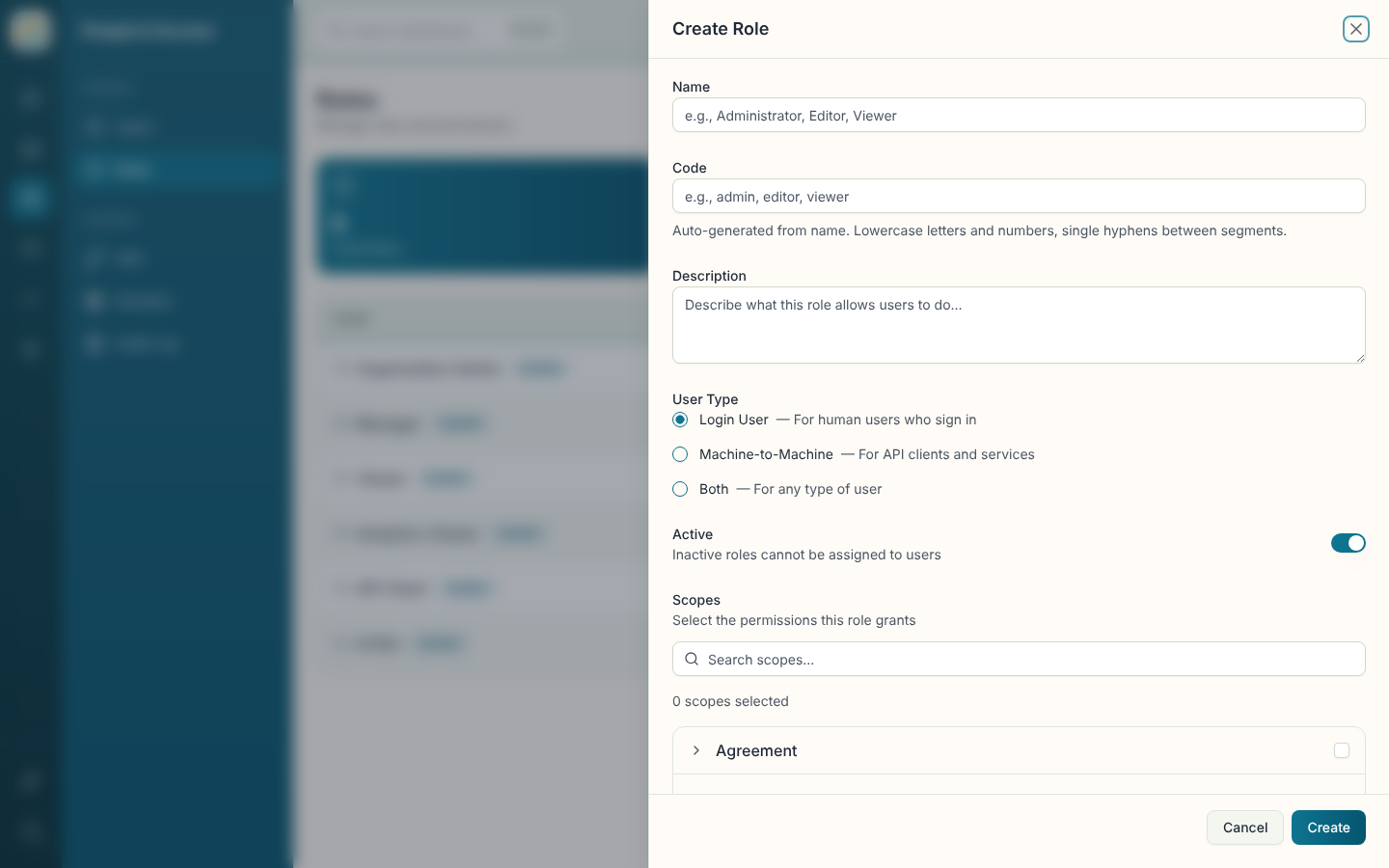
- Click Create Role.
- Enter a Name. It's required and has to be under 100 characters.
- Set the Code, a short identifier for the role.
- Add a Description (up to 500 characters) saying what the role allows.
- Choose the User Type: login users, API keys (M2M), or both.
- Leave Active on if the role should be usable right away.
- Pick the Scopes, which are the permissions the role grants.
- Click Create.
Edit or delete a role
Choose Edit from the row menu, change what you need and click Save Changes. Scope changes are saved along with the rest.
Delete asks for confirmation and can't be undone. For a system role, the dialog is titled "Cannot Delete System Role" and nothing is removed.
Assign a role
Roles are assigned from the other pages: use Manage Roles on a row in Users, or on a key in API Keys.