Offers
An offer is something you give customers: a "Double points weekend" promotion, a free coffee, or a discount. Offers of the Coupon type carry coupon codes that customers redeem. External offers are managed by another system.
Before you start
You need offer:offers:read to see offers and offer:offers:write to create or change them. The sidebar shows Create Offer under Rewards only if you have write access.
Find an offer
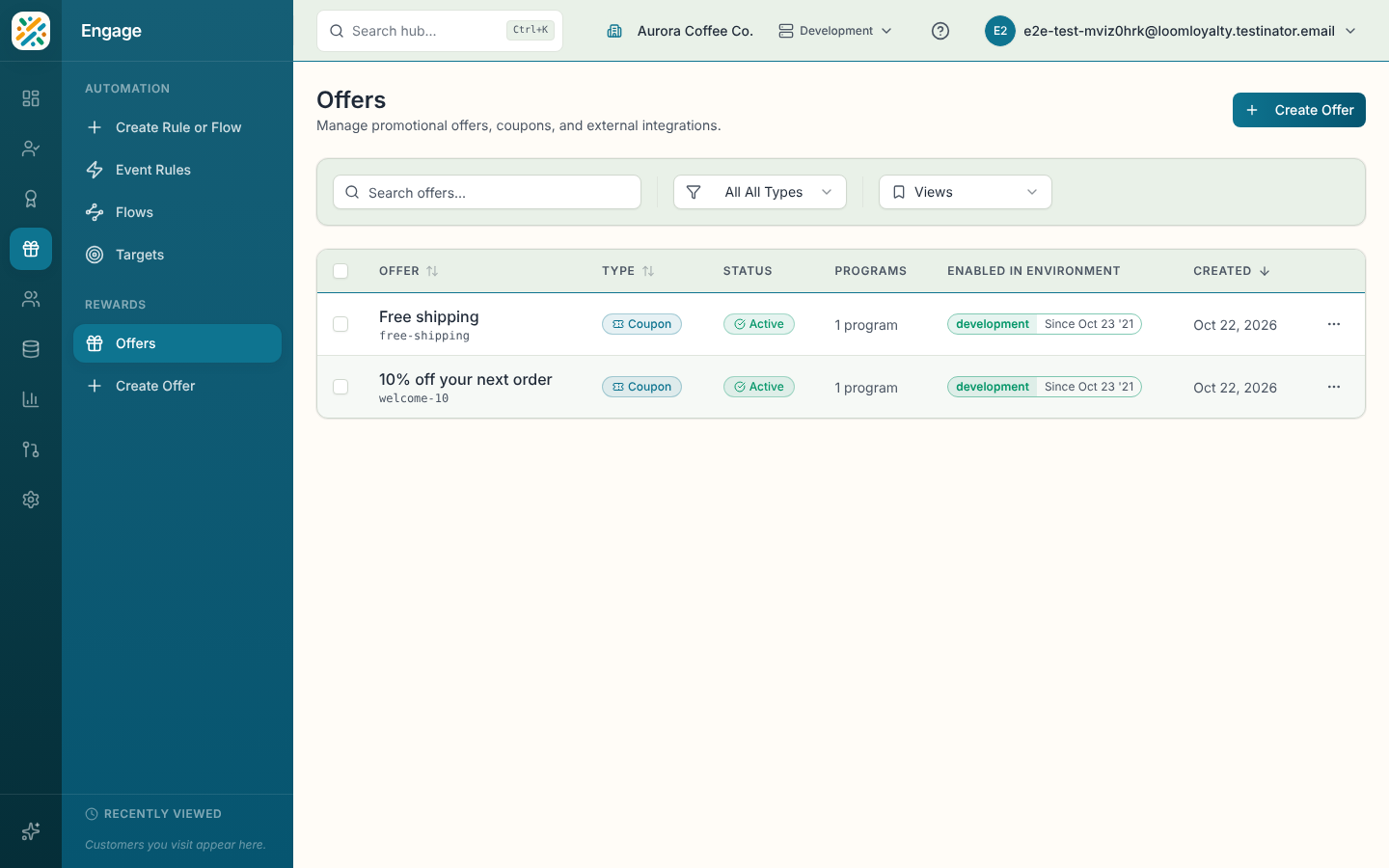
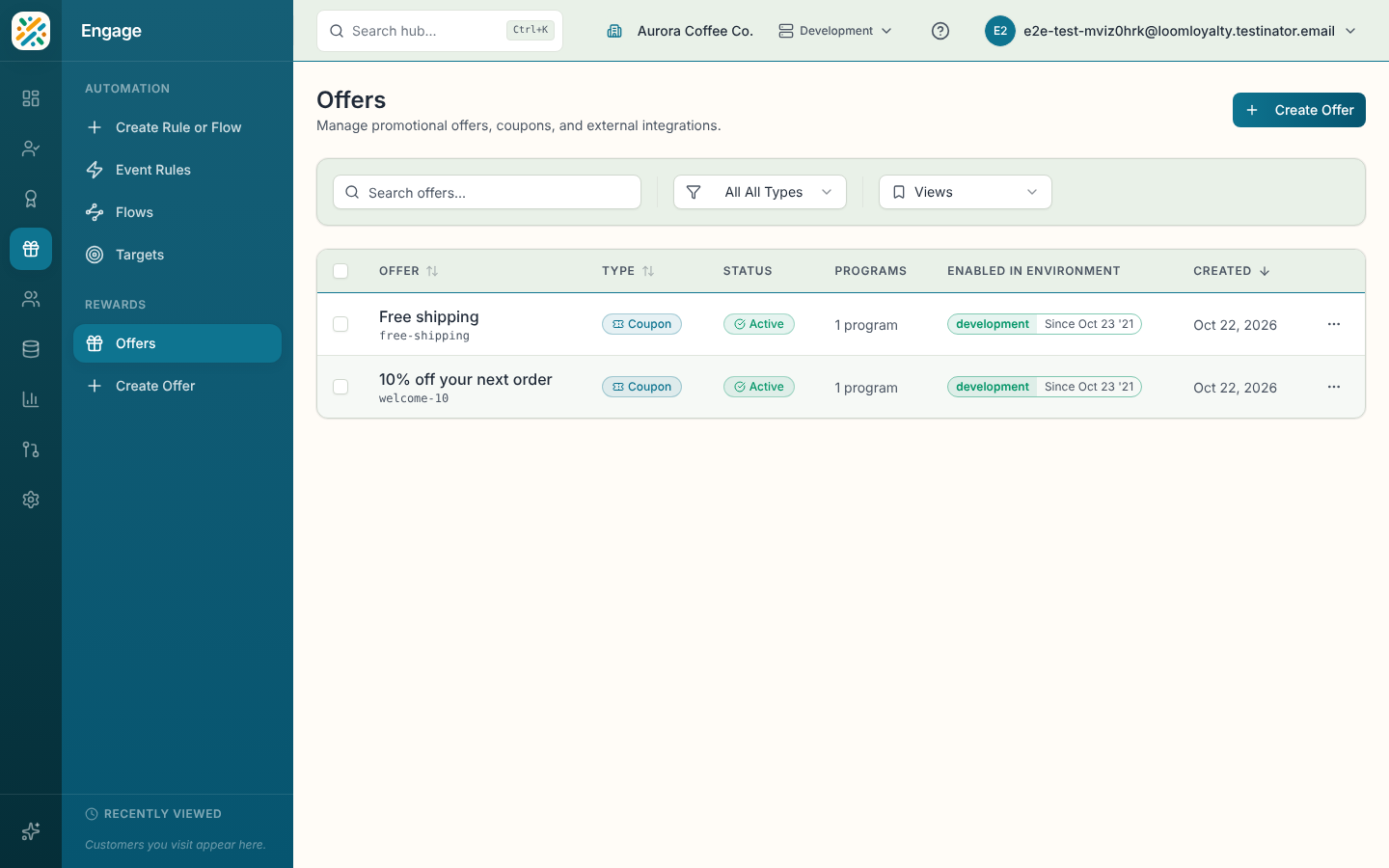
Open Engage, then Offers. The table shows each offer's name, type, status (Active or Inactive), programs and creation date. Filter by type (All Types, Coupon or External) or search by name. Select a row to open its details. The row menu has View details, Edit, Delete and Enable in Environment.
Create an offer
- Select Create Offer.
- Enter a Name. Code follows it unless you edit it.
- Choose the Type. You can't change it later.
- Choose one or more Programs. At least one is required.
- Optionally pick a Customer Audience and add a Description.
- Set the limits you need: Duration Period (how long the offer stays valid after it's issued), Max Offer Uses and Max Offer Redemptions. Leave a limit empty for unlimited.
- Turn on Set Date/Time Period on Issue to set the validity period automatically when the offer is issued to a customer.
- For a Coupon offer, complete the coupon fields (below).
- Select Create Offer.
Coupon offer fields
A Coupon offer adds Max Discount Value (leave it blank for no cap), Coupon Discount Type (Percentage, Fixed Amount, Buy X Get Y or Free Shipping), Discount Currency Type, Coupon Type and Coupon Code Group.
You also have to choose where the codes come from, so an offer is never left without usable ones:
- Auto-generate a batch of codes creates a pool of single-use codes when the offer is created. Set the Coupon Code Batch Size.
- Provide codes manually creates no pool. You add individual codes afterwards.
Manage coupons
Open a Coupon offer and look at its Coupons section.
- Select Add Coupon.
- Enter the coupon Code, plus a name if you want one.
- Optionally set a Discount Value and Discount Currency Type, and a Start Date and End Date. The end date can't be before the start date.
- Select Create Coupon.
The coupon list shows the code, offer, status, redemptions and validity dates. Select a coupon to view it, or delete one from its row. Deleting a coupon asks you to confirm.