Agreements
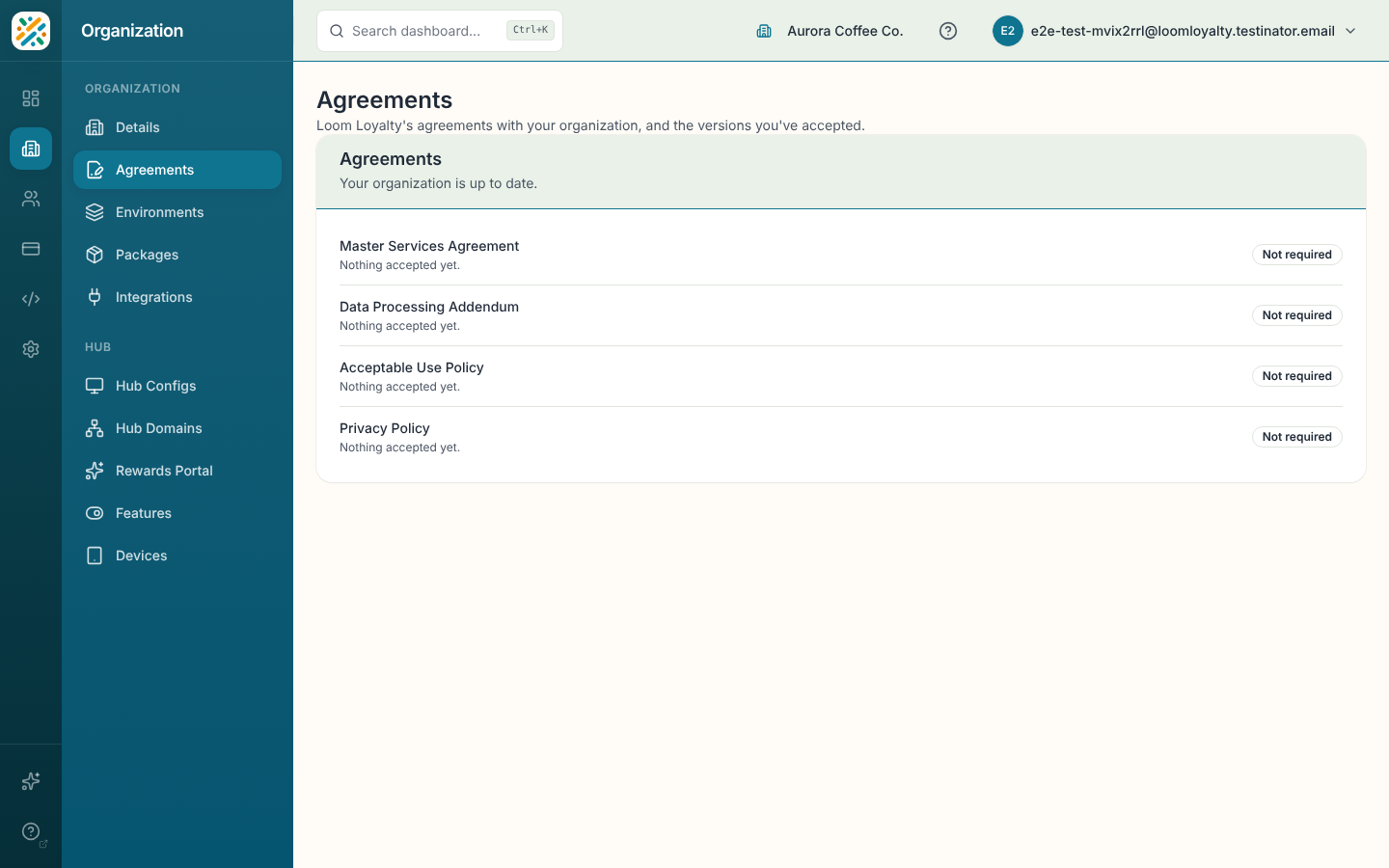
Agreements lists each agreement between Loom Loyalty and your organization, the version you've accepted, and any new version that needs accepting. An organization admin accepts pending versions here. This is also the step behind Review agreements on the Home go-live checklist.
Before you start
You need permission to read agreements to see the page. You also need permission to accept agreements to see the Review and accept button. Without it, the page tells you that some agreements need an organization admin's acceptance.
Review your agreements
- Open Organization and select Agreements.
- Read the status line under the title. It says either "Your organization is up to date." or that some agreements need acceptance.
- Check each agreement in the list. Each row shows the accepted version, any pending version with its effective date, and a status badge. A row with nothing accepted reads "Nothing accepted yet."
Accept pending agreements
- Select Review and accept.
- Review each pending document in the dialog and accept it.
- When the dialog closes, the page confirms "Agreements accepted."
If your contract is managed with Loom Loyalty directly, the page says so and there is nothing to accept here.