Workflow Requests
A workflow request is created when an entity is promoted to another environment. Use this page to review those requests and check their status.
Before you start
You need permission to read workflow requests to see the page.
Find a request
- Open Organization and select Workflow Requests.
- Search with the Search requests... box, or filter by Status.
- Read the table: Entity, Target Environment, Status, Reason and Requested.
- Select a row, or View details in its menu, to open the details panel.
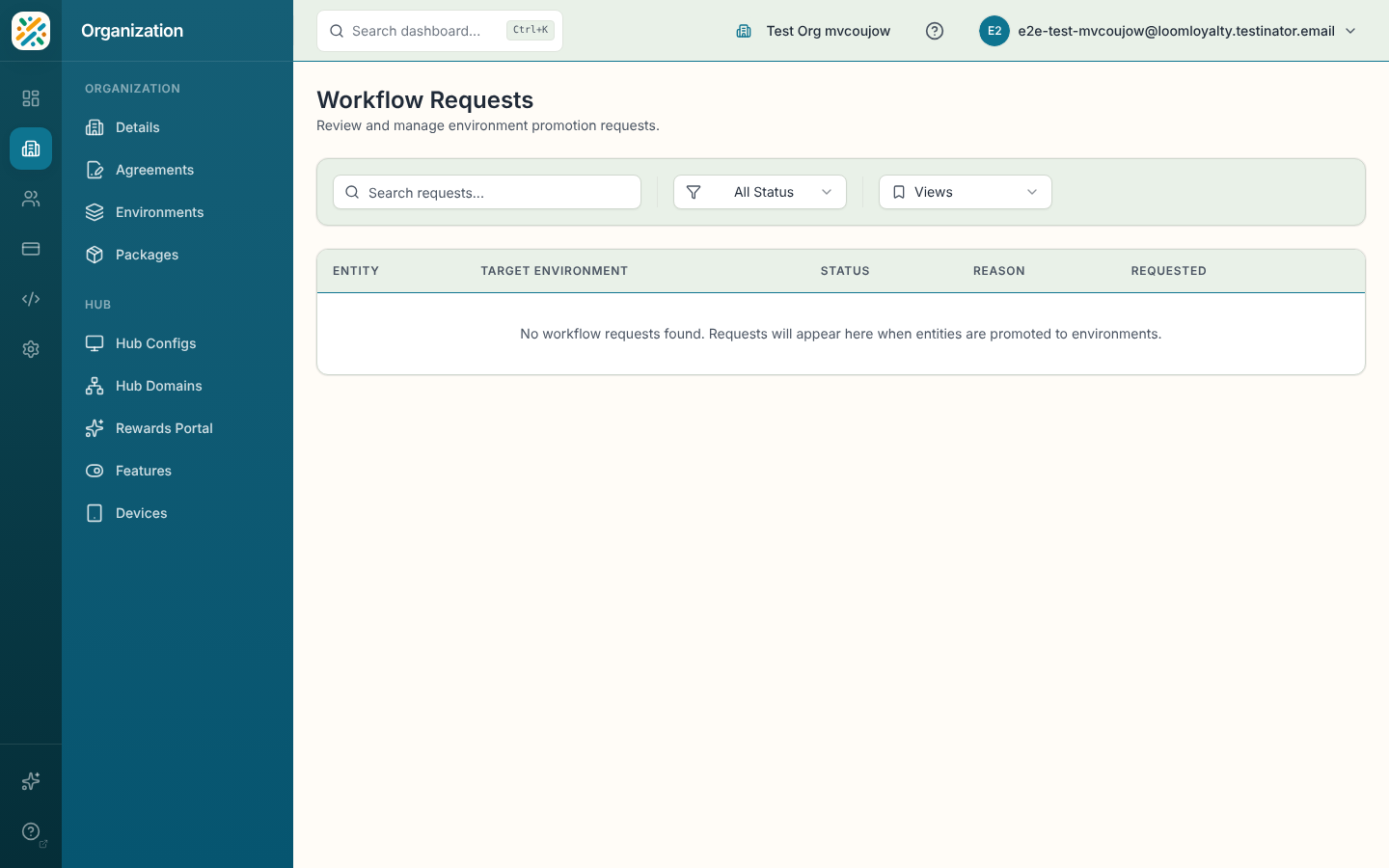
With no requests, the page reads "No workflow requests found. Requests will appear here when entities are promoted to environments."
Request statuses
| Status | Meaning |
|---|---|
| Pending | Waiting for review. |
| In Progress | Being worked through its steps. |
| Approved | Approved. |
| Completed | Finished. |
| Rejected | Rejected. The details show who rejected it and why. |
| Cancelled | Cancelled. |
Read a request's details
The panel is read-only. It has these sections:
- Request: the entity, status and reason.
- Target Environment: the environment, Start Date and End Date, which reads "Indefinite" when no end is set.
- Timeline: when it was requested and by whom, plus approval or rejection details when they exist.
- Entities: each entity in the request, when there is more than one.
- System: the request ID.