Packages
Packages bundle industry models and partner integrations. Use this page to see what is available, what is installed and whether an upgrade is waiting.
Before you start
You need permission to read package installations to see the page. Industry packages install once for the whole organization. Partner packages install separately into each environment, and the page header names the environment you're in.
Browse packages
- Open Organization and select Packages.
- Search with Search packages..., or filter by Types (Industry or Partner) and Statuses.
- Read the table: Package, Type, Version and Status.
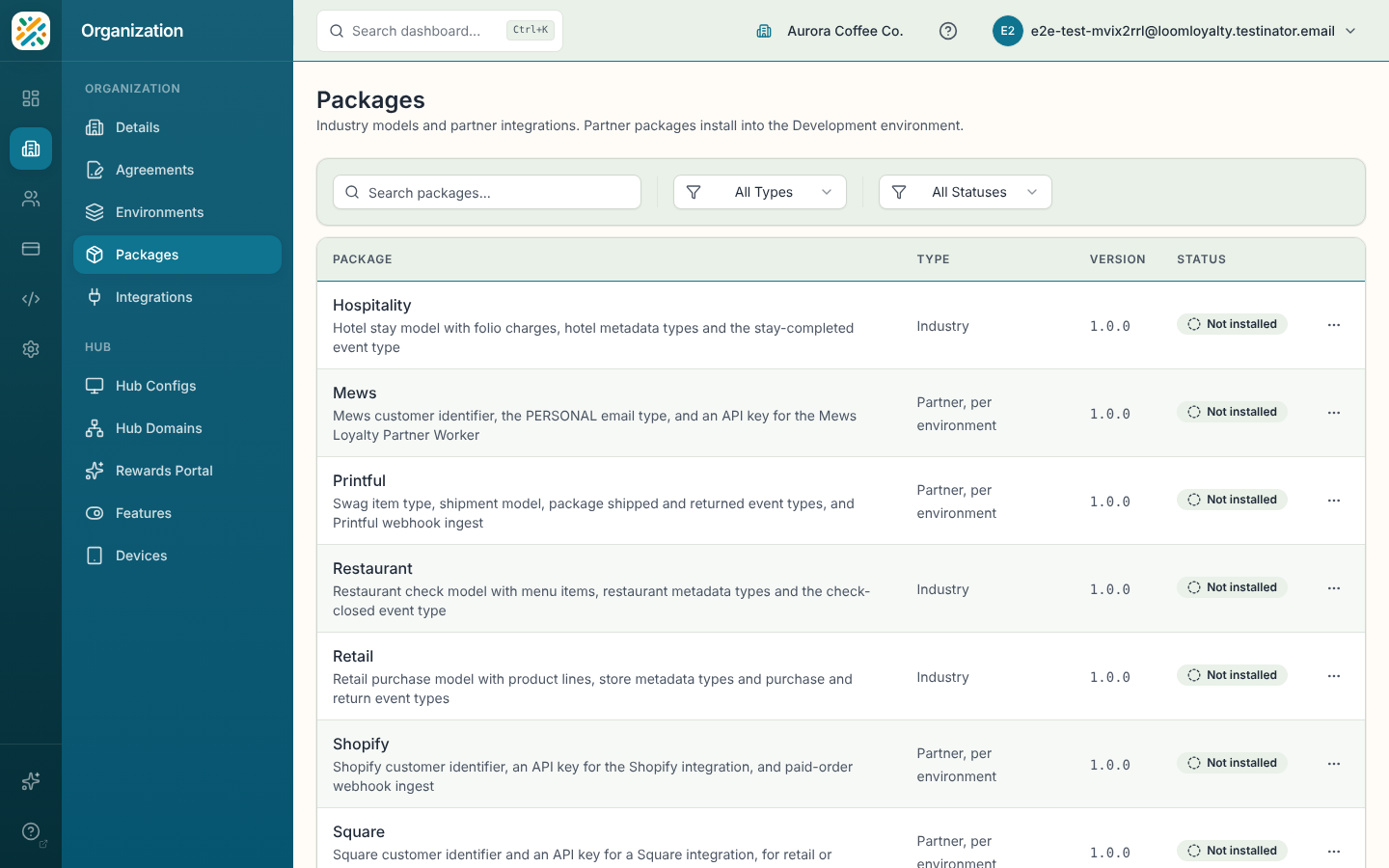
If industry packages are still installing, the page says "Setting up your industry packages. This page updates when they finish."
| Status | Meaning |
|---|---|
| Not installed | Available to install. |
| Installing | In progress. |
| Installed | In place. |
| Upgrade available | A newer version exists. |
| Partial | Some records are missing. |
| Failed | The last install failed. |
Install or upgrade a package
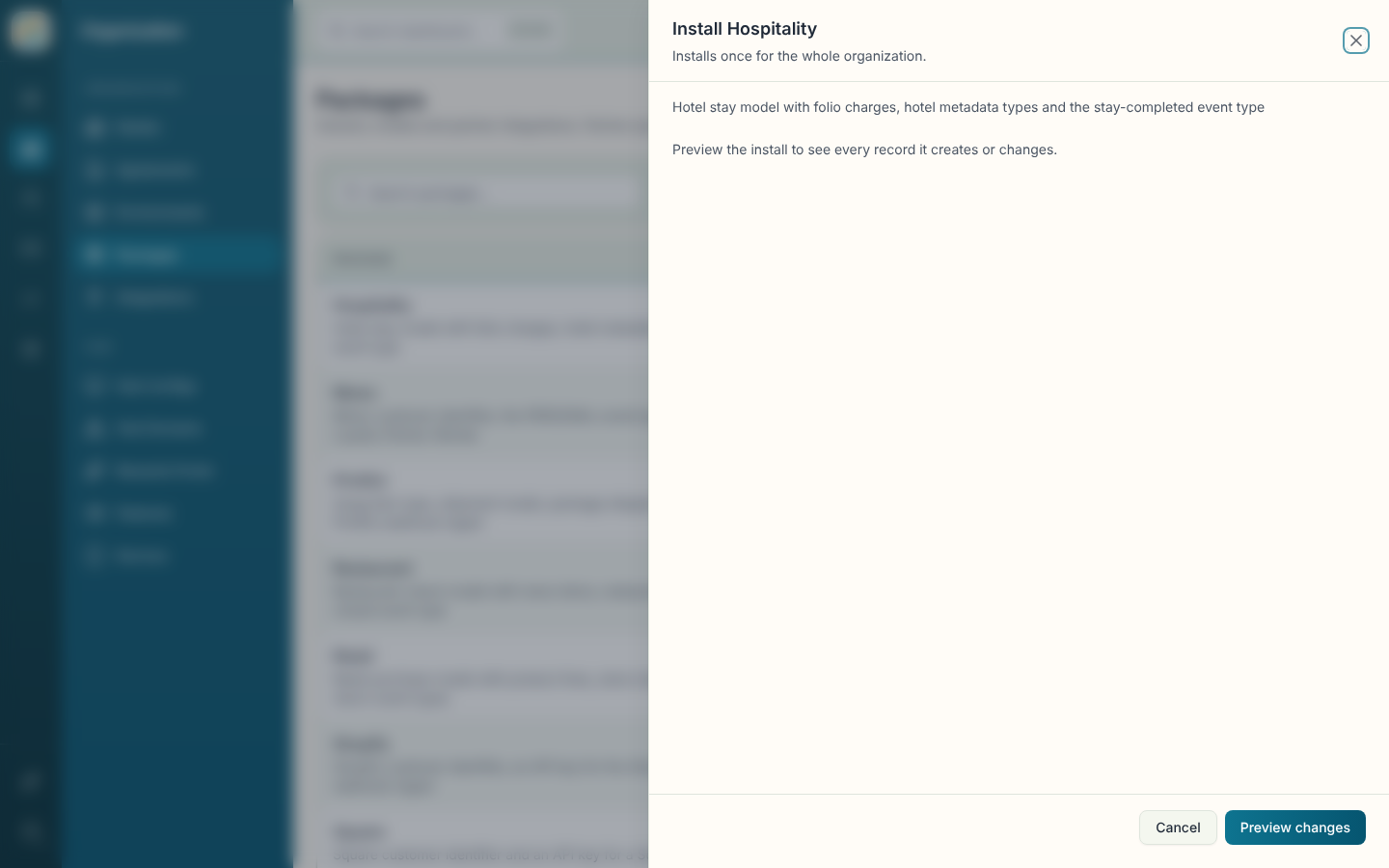
- Open the row's menu and select the action for its status: Install, Upgrade, Re-run (partial) or Retry (failed).
- If the package asks for values, fill them in. Required values must be set before you can continue.
- Select Preview changes to see every record the install creates or changes.
- If the preview lists records that conflict, rename or remove them in your organization and select Preview again.
- Select Install (or Re-install when it's already installed) to confirm.
- On the result screen, copy any API key or webhook URL shown, then select Done.
An API key is shown only once. If you try to close without copying it, a Close without copying the key? prompt appears. To get a new key, uninstall the package and install it again.
Re-install a package
Open the row's menu on an installed package and select Re-install. It follows the same preview and confirm steps.
Uninstall a partner package
- Open the row's menu and select Uninstall. It only appears for installed partner packages. Industry packages can't be uninstalled.
- Confirm with Uninstall.
The package's API key is revoked and its webhook source is deleted, so the partner stops reaching this environment. Customers, identifiers and the records it installed stay.