Currencies
A currency is what customers actually collect: Bean Points, Cashback, Stars. Each currency belongs to one or more programs, and it can carry a pending rule (points wait before they're usable) and an expiry rule (points eventually disappear).
Set those rules up first if you want them attached at creation. The currency sheet lets you pick existing pending and expiry rules, and you can create an expiry rule right from the sheet.
Before you start
You need the program-bank:program-currencies:read permission, and at least one program to attach the currency to. Create and edit controls only appear when you're allowed to change currencies.
Find a currency
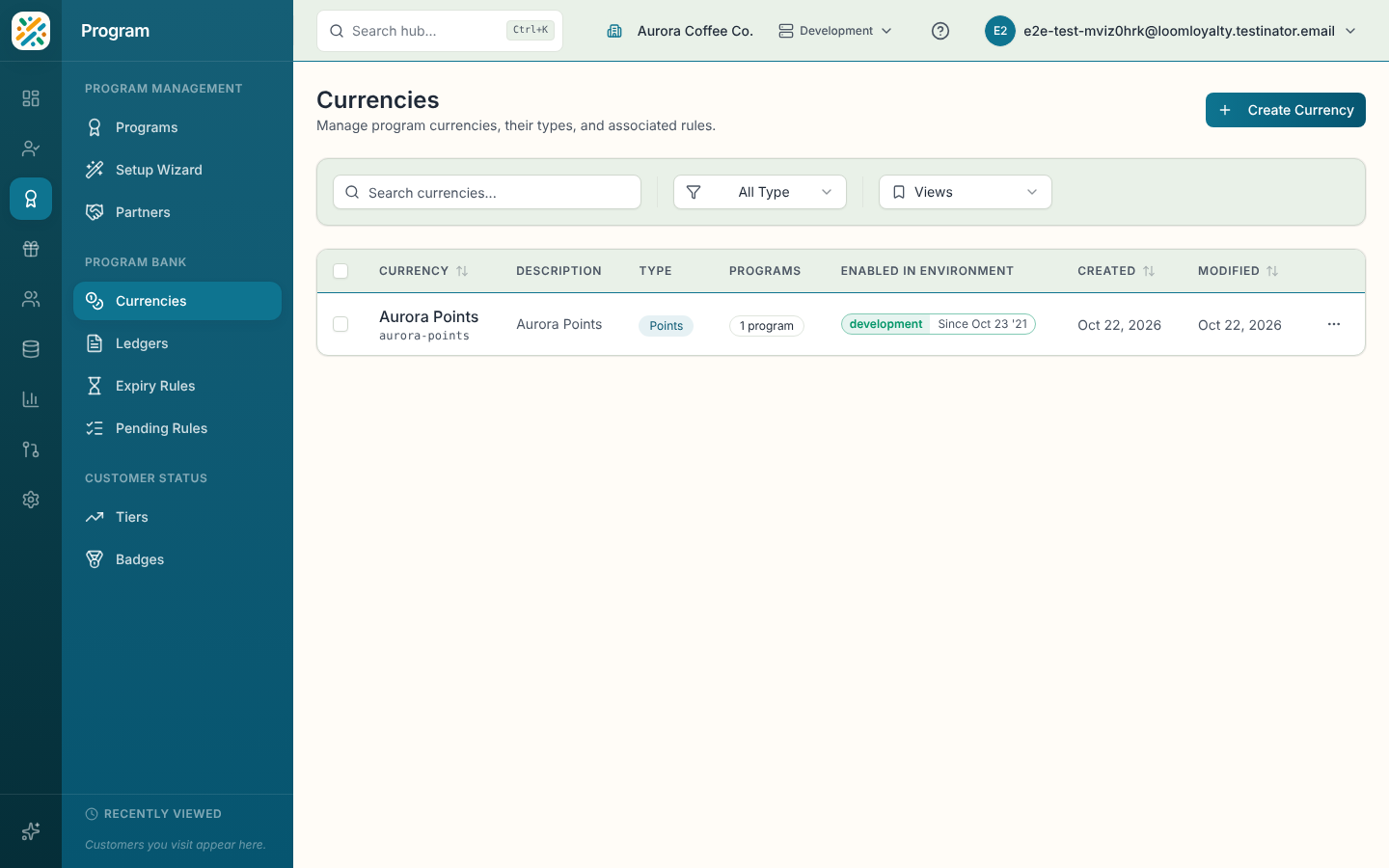
Columns are Currency (name and code), Description, Type, Programs, Created and Modified. Use Search currencies... and the Type dropdown. Sort by name, code, created or modified date. An empty list says "No currencies found. Create your first currency to get started."
Create a currency
- Select Create Currency.
- Enter a Name. The Code fills in from it.
- Choose a Currency Type and at least one Program.
- Optionally pick a Pending Rule and an Expiry Rule, and add a Description.
- Select Create Currency.
If you save without a program, the sheet stops you with "At least one program must be selected."
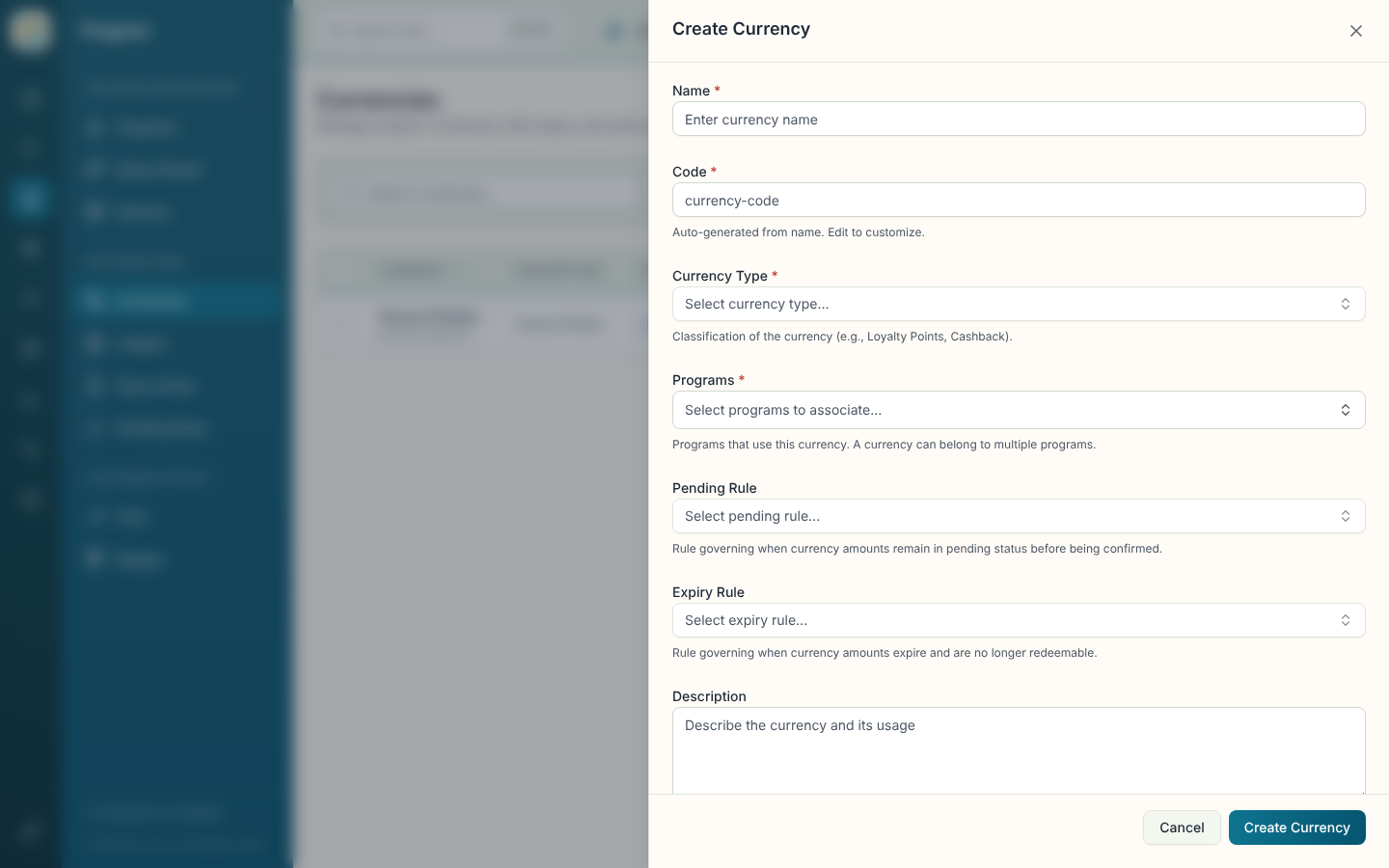
| Field | What it does |
|---|---|
| Name (required) | The currency's display name. |
| Code (required) | Unique identifier, generated from the name. Locked after creation. |
| Currency Type (required) | Classification such as Loyalty Points or Cashback. Pick one or type a new one, which is created on save. |
| Programs (required) | Programs that use this currency. One currency can belong to several programs. You can create a program from the picker. |
| Pending Rule | Decides how long earned amounts stay pending before they're confirmed. |
| Expiry Rule | Decides when amounts expire and can no longer be redeemed. |
| Description | Multi-language description of the currency and how it's used. |
| Additional Information | Extra fields from your data model, if any. |
If the pending or expiry rule lists can't load, the picker shows an error instead of an empty list.
Open, edit, delete or enable a currency
The details sheet lists Name, Code, Description, Currency Type, the associated programs, the Pending Rule and Expiry Rule, Timestamps and the currency ID. Edit and Delete are on the sheet and in the row menu. Deleting is permanent and may affect programs, rules and balances that depend on the currency. Enable in Environment works as described on the Programs page.