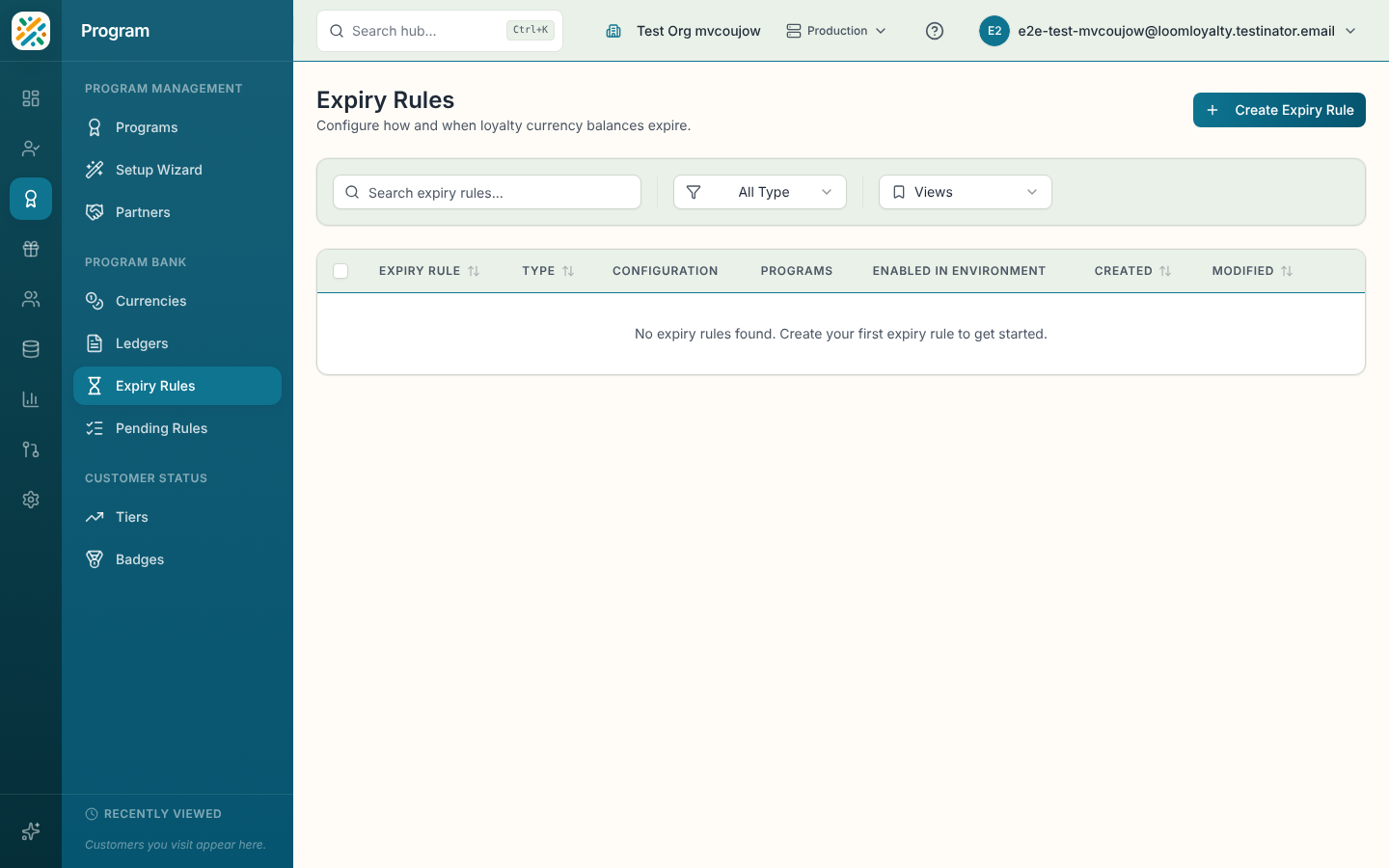
Expiry Rules
An expiry rule says when loyalty balances stop being usable. Some programs wipe everything on December 31. Others let each point live for twelve months from the day it was earned. You define the rule once, tie it to programs, and then pick it on a currency.
Do this before launch. A currency only follows the expiry rule it's linked to, so decide the policy early rather than patching it in after customers have balances.
Before you start
You need the program-bank:program-currencies:read permission and at least one program. Create and edit controls show only when you're allowed to change expiry rules.
Find a rule
Columns: Expiry Rule (name and code), Type, Configuration, Programs, Created and Modified. Use Search expiry rules... and the Type dropdown (Fixed Date, Fixed Period, Rolling Period). You can sort by name, code, type, created or modified date. An empty list says "No expiry rules found. Create your first expiry rule to get started."
Create an expiry rule
- Select Create Expiry Rule.
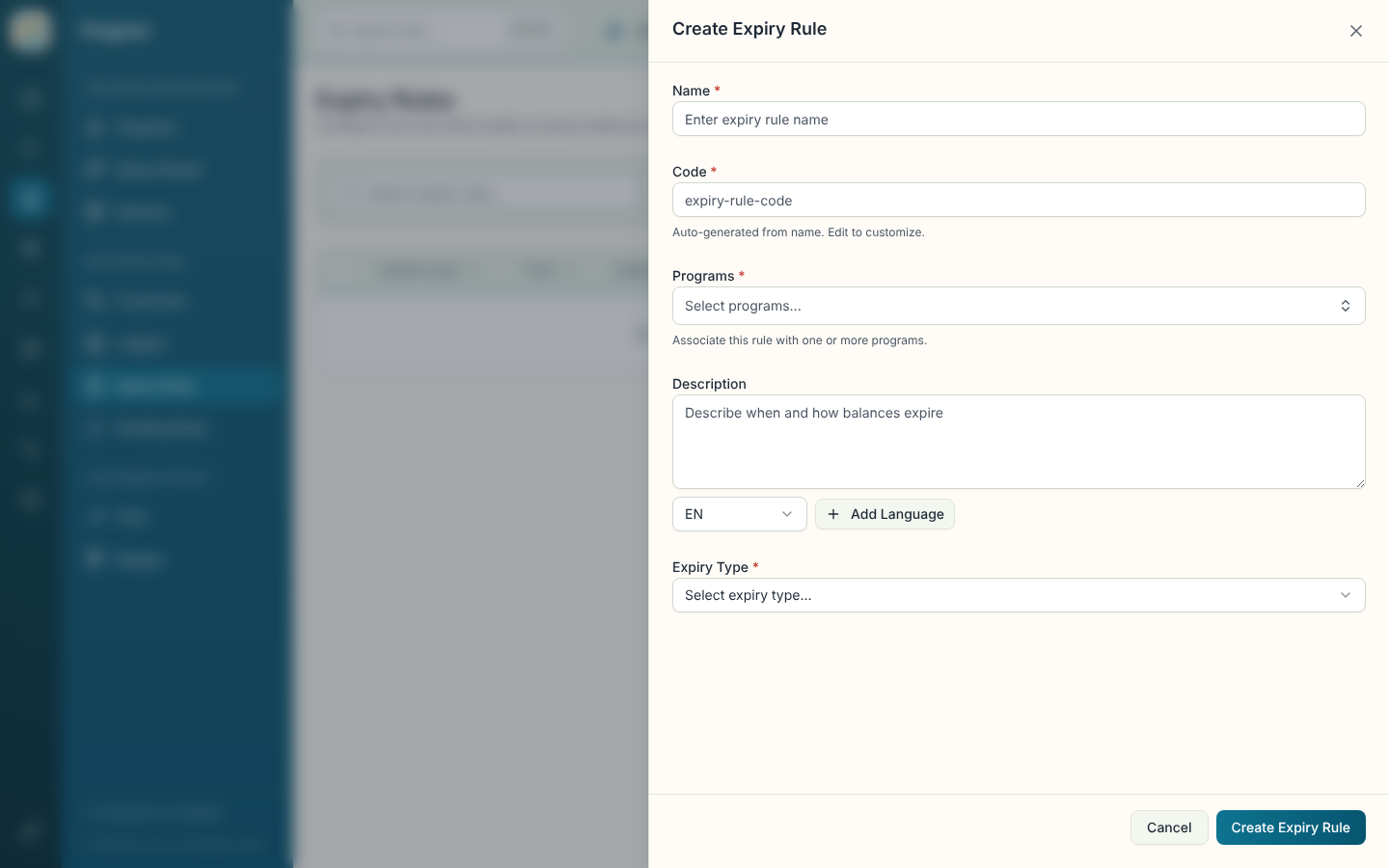
- Enter a Name, check the generated Code, and choose one or more Programs.
- Pick an Expiry Type. Extra fields appear depending on your choice.
- Fill them in and select Create Expiry Rule.
| Field | What it does |
|---|---|
| Name (required) | Display name. |
| Code (required) | Unique identifier, generated from the name. Locked after creation. |
| Programs (required) | Programs this rule applies to. You must choose at least one. |
| Description | Multi-language note on when and how balances expire. |
| Expiry Type (required) | Fixed Date, Fixed Period or Rolling Period. A hint under the field explains the selection. |
| Period and Value | Shown for Fixed Period and Rolling Period. Pick Days, Weeks, Months or Years, and a whole number of at least 1. Both are required. |
| Expiry Date | Shown for Fixed Date. Required. |
| Additional Information | Extra fields from your data model, if any. |
The three types behave differently:
- Fixed Date: all balances expire on one calendar date.
- Fixed Period: balances expire after a fixed period from the program start date.
- Rolling Period: each balance expires a set time after it was earned, so a point earned in March and one earned in June expire on different days.
Switching the type clears the fields from the previous one.
Open, edit, delete or enable a rule
The details sheet shows Name, Code, Description, Type, Configuration (a readable summary such as the period or date), the programs, timestamps and the rule ID. Edit and Delete are there and in the row menu. Deleting is permanent and removes the rule, which can affect currencies that use it. Enable in Environment is covered on the Programs page.