Partners
A partner is an organization you run a program with, such as a hotel group, an airline or a franchise owner. Partners are simple records: a name, a code, a type and a description. You attach one to a program as its primary partner, and the Partner column on the Programs page shows it.
Before you start
You need the program:partners:read permission. The create, edit and delete controls only show when you're allowed to change partners.
Find a partner
The table has Partner (name and code), Description, Type, Created and Modified columns. Use Search partners... and the Type dropdown to narrow it down. With no partners yet you'll see "No partners found. Create your first partner to get started."
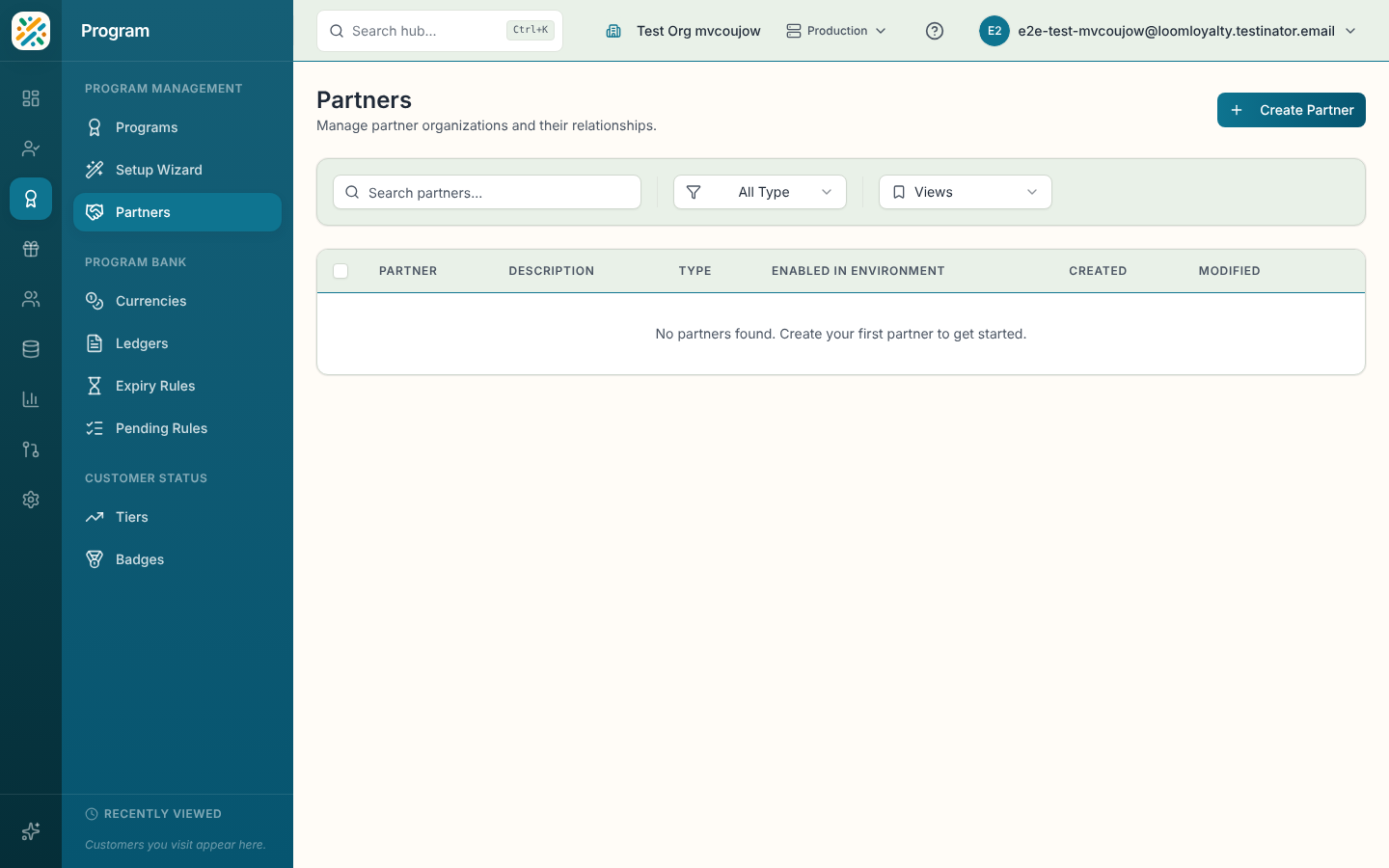
Create a partner
- Select Create Partner.
- Fill in Name, Code and Partner Type. The code is generated from the name until you edit it.
- Add a Description if it helps, then select Create Partner.
You can also create a partner from inside the Partner picker on a program's sheet, which saves a trip back to this page.
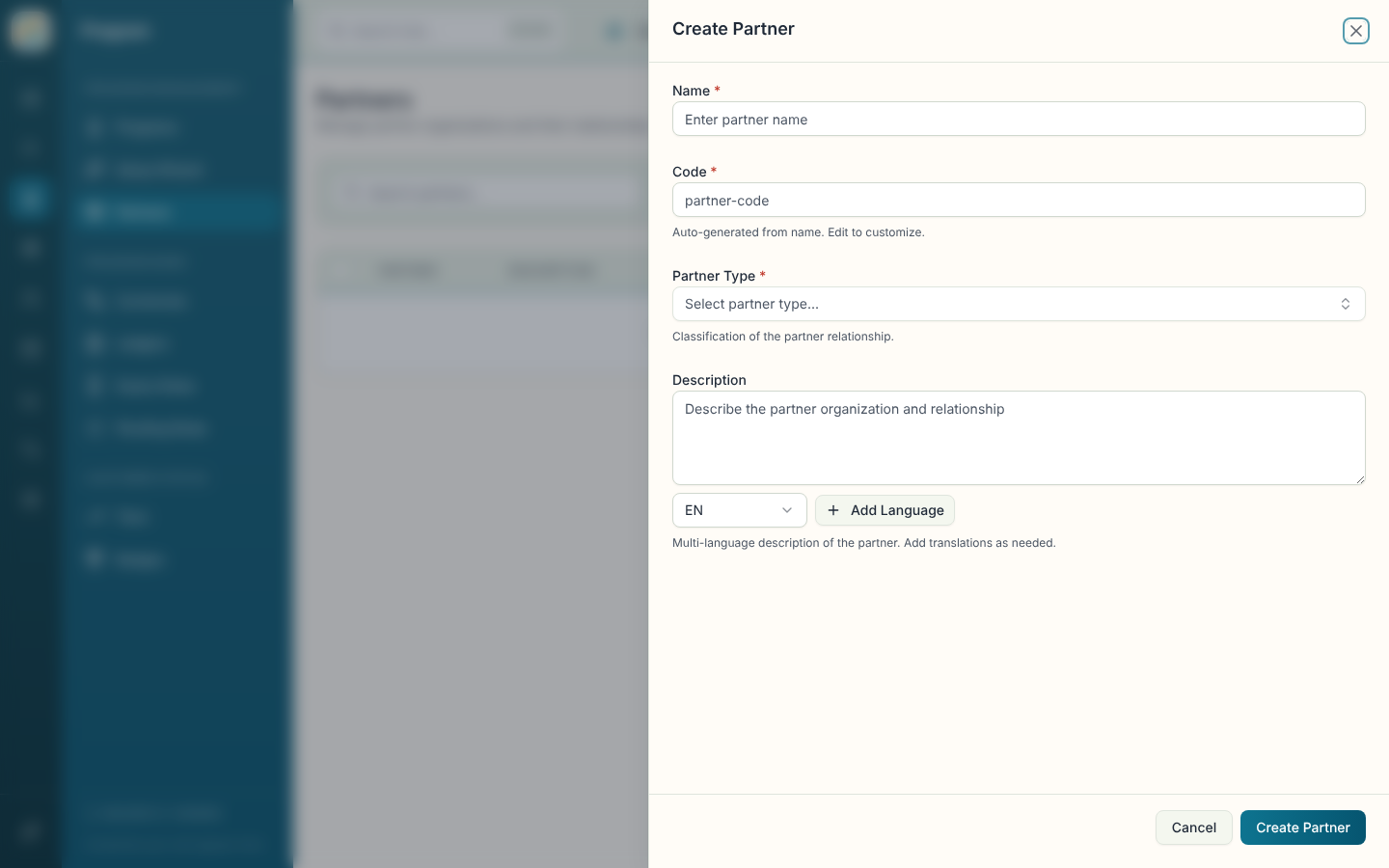
| Field | What it does |
|---|---|
| Name (required) | The partner's display name. |
| Code (required) | Unique identifier. Locked once the partner is saved. |
| Partner Type (required) | Classification of the relationship. Pick one or type a new one, which is created on save. |
| Description | Multi-language description of the partner and the relationship. |
| Additional Information | Extra fields added through your data model, if any. |
Open, edit, delete or enable a partner
Select a row to see its details: Name, Code, Description, Type, Timestamps and the partner ID. From there, or from the row menu, you can Edit or Delete. Deletion is permanent and may affect programs that use the partner, so the confirmation dialog warns you first. The row menu also has Enable in Environment, which works the same way as it does for programs, including the bulk action.